ServiceNow-Jira Integration #1: Syncing New Incidents with Jira Issues
When you create a new incident in ServiceNow, this recipe will trigger a check for any existing JIRA issues so that you don’t create a duplicate. A recipe is an integration between apps and a specific set of steps that Workato follows to get work done between your apps. If the new ServiceNow incident does not yet have a corresponding JIRA issue, it will trigger the creation of a new issue in JIRA. It will then update the ServiceNow incident to include the JIRA Issue ID. If a JIRA issue already exists, the recipe will send an email to the user with the necessary corrective action. This recipe promotes better cooperation within your business. For example, if a server goes down, your IT administrator can log an incident in ServiceNow. As long as there is no existing duplicate, it will trigger a new JIRA issue, quickly alerting engineering to the issue.
ServiceNow-Jira Integration #2: Syncing Updates from ServiceNow to JIRA
Coordinating between ServiceNow incidents and JIRA issues is just the first step towards more efficient problem-solving. IT problems can take time to resolve, and it’s important to keep everyone updated on an issue’s progress. Our second recipe simplifies ongoing communication between ServiceNow users and JIRA users. When a ServiceNow incident is updated, it triggers an update of the corresponding JIRA issue as well. This means your ServiceNow incidents and JIRA issues will always be updated in real-time, automatically. What sets this recipe apart is that Workato will make several checks to ensure the correct JIRA issue is updated by matching the User IDs in ServiceNow and JIRA before pushing the data over.
 Let’s put this recipe into a business scenario. Remember the malfunctioning server from from the first recipe? Your IT administrator has logged a ServiceNow incident about the server, automatically triggering a new JIRA issue, so the engineering team knows about the problem. Now let’s say the IT administrator discovers that something has changed and they need to change the report. The IT administrator can make the change in ServiceNow and the engineering team will know right away, as the updated ServiceNow incident will also update the JIRA issue.
ServiceNow-Jira Integration #3: Syncing New JIRA Issues with ServiceNow Incidents
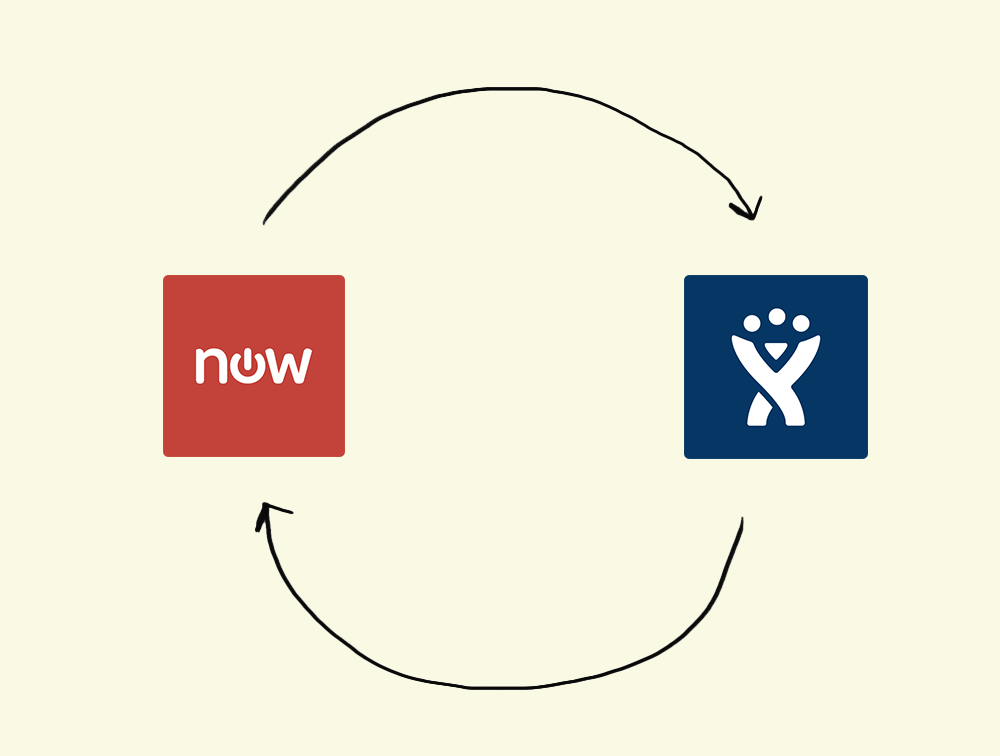
Our third recipe creates a bi-directional sync between the two apps and simplifies communications within your organization by reversing the first recipe: when a user creates a new issue in JIRA, Workato will look for existing ServiceNow incidents; if one does not exist a new ServiceNow incident will be created. This ensures that as data moves back and forth between ServiceNow and JIRA that there are no duplicates, errors, or missed information.
For example, let’s say you have a developer working on your company’s website. She encounters a bug, and she creates a JIRA ticket for the issue, triggering a new ServiceNow incident. Now the IT administrator is made aware of the bug and can easily relay the problem to the rest of the department. This sync also keeps your customer service team informed about any technical problems that might directly affect customers, so they can communicate appropriately.
ServiceNow-Jira Integration #4: Identifying Problems in JIRA and Labeling them in ServiceNow
Some IT issues aren’t resolved all at once; individual incidents can indicate larger problems. Addressing the root cause of an incident often requires more complex or costly solutions, as well as more time. Our fourth recipe makes identifying and addressing complex issues easier: a new issue in JIRA will trigger the creation of a new ServiceNow Issue labeled “Problem.” For example, imagine that a developer in your company is updating your website and encounters a broken page. In addition to restoring service in the short-term, the developer believes the IT department should address the root cause: a lack of server space. Because servers are a costly investment and outside of his immediate purview, the developer creates a JIRA Issue labelled “Problem.” The issue automatically triggers a new ServiceNow Problem, alerting the IT administrator that a long-term solution is needed to prevent recurrence.