Workhack: Set Up Zendesk Ticket Threshold Notifications for Email & Slack

Feb 25, 2016
•

About the Author
Kristine oversees Workato's content and works with awesome apps like DocuSign, Zendesk, SurveyMonkey etc. on great automation content.
More on Automation & Integration
Discover the latest product updates and features
Automation & Integration
What Is iPaaS? The Guide for French Enterprise IT and Ops Teams
iPaaS (Integration Platform as a Service) is a cloud-based service that lets IT and operations…
Sep 18, 2026
•
15 min read

Automation & Integration
What Is iPaaS? An Enterprise Integration Guide for Sweden (2026)
iPaaS — Integration Platform as a Service — is a cloud-based platform that connects applications,…
Sep 17, 2026
•
15 min read

Automation & Integration
Inside Articulate’s AI hackathon: How a Day of Building Turned Into a Governed AI Skillset
Every June, Articulate's IT team pauses its roadmap for a hackathon. This year, the theme…
Sep 10, 2026
•
5 min read
Table of Contents
Get This WorkHack
The Details
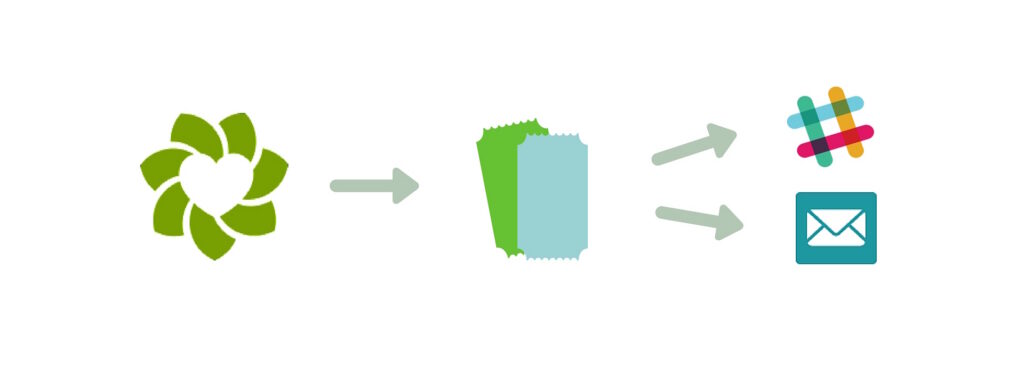
You can also define which Zendesk channel you want these notifications from for both Slack and Email, so if you only want to be notified every 3 Zendesk tickets from the Zendesk Chat channel, you can specify in the recipe under Action 1 > Channel. You should also make a note in the message section of your email or Slack notification so you know that this notification is for a specific Zendesk channel.What This Means For Your Business