
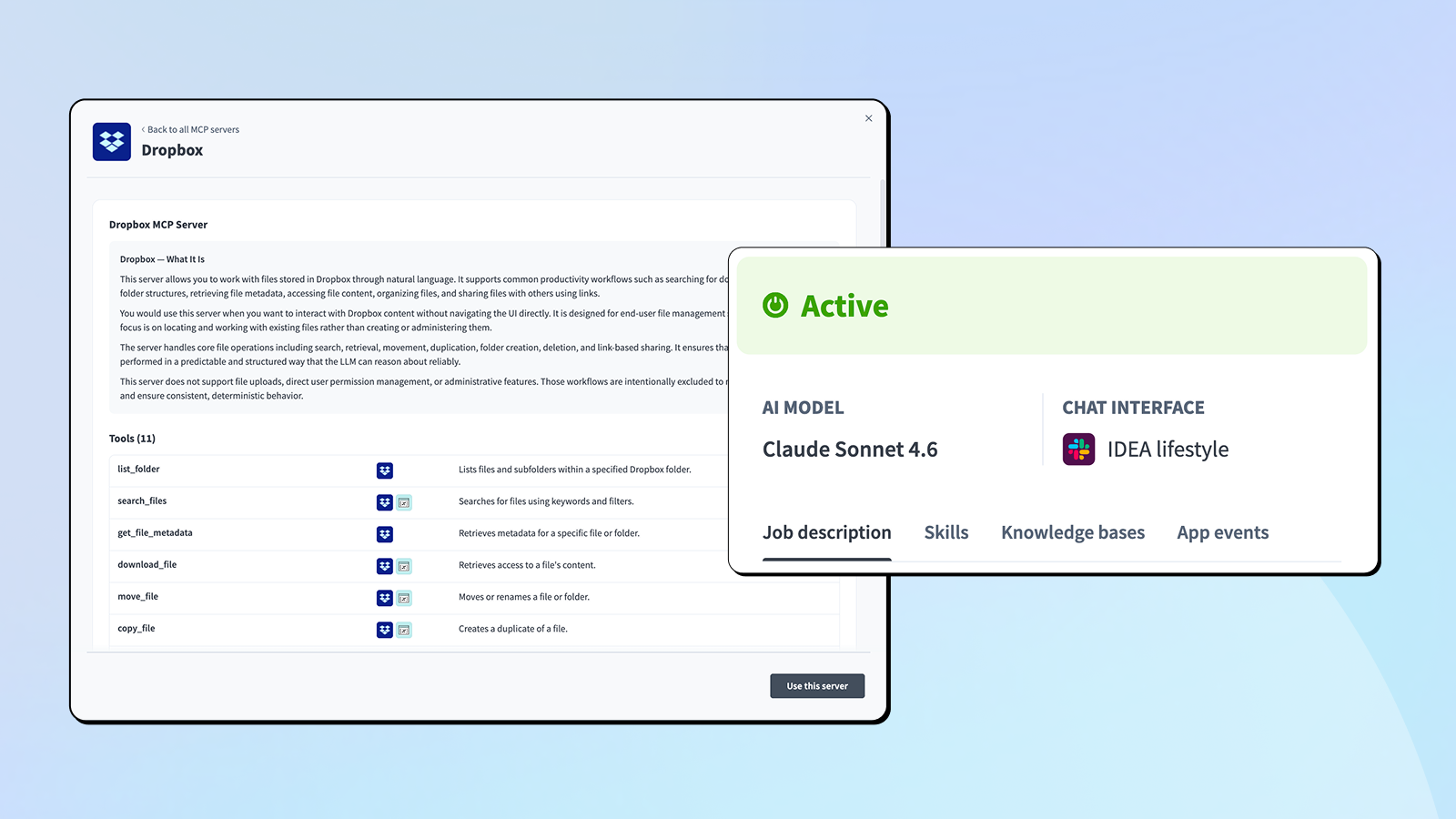
May brought native Slack channel support for Genies, a significantly expanded Data Pipelines ecosystem, 9 new MCP Servers, and more. Here’s what you can put to work today.
Agent Studio
Native Slack and Microsoft Teams Channel Support for Genies
Genies can now operate natively inside Slack and Microsoft Teams channels, not just direct messages. You can deploy a single Genie for IT help desks, HR support, or project assistance directly in the channels where your teams already work.
What you can do:
- Choose between two channel modes: Help Desk Mode, where the Genie responds to every message in selected channels, and On-Mention Mode, where it responds only when @mentioned.
- Let Genies read full thread context, including who said what, with automatic summarization for long threads.
- Require authenticated actions in-channel using Workato Identity, so the right person is confirming each action.
- Give users live streaming feedback as the Genie works, including thinking steps and tool execution progress.
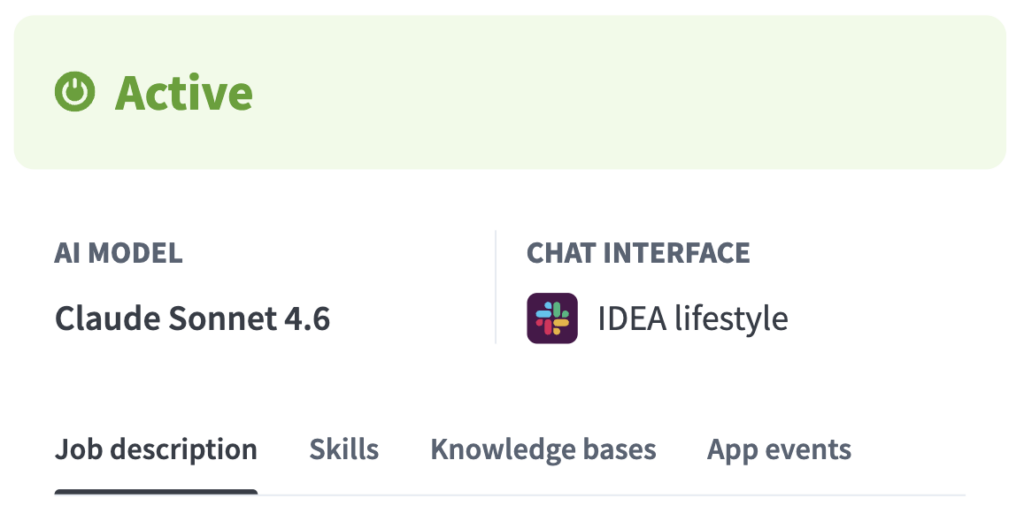
Native channel support means your Genies are available exactly where your employees already collaborate, without any change in how they work
Genies, Skills, and Knowledge Bases Across Your Workspace
Genies, Skills, and Knowledge Bases are no longer limited to a single project. You can now build Genies using assets from anywhere in your workspace, without the workarounds that cross-project collaboration used to require.
What you can do:
- Add Skills from any project in your workspace to a Genie, regardless of where each lives.
- Attach Knowledge Bases from other projects so a single Knowledge Base can power multiple Genies across the organization.
- Send app events and assign tasks to Genies across project boundaries..
- Move Skills, Knowledge Bases, and Genies between projects without losing their connections.
Now your workspace structure can reflect how your teams are organized and prevent version drift.
Data Orchestration
Expanded Data Pipelines Connectivity
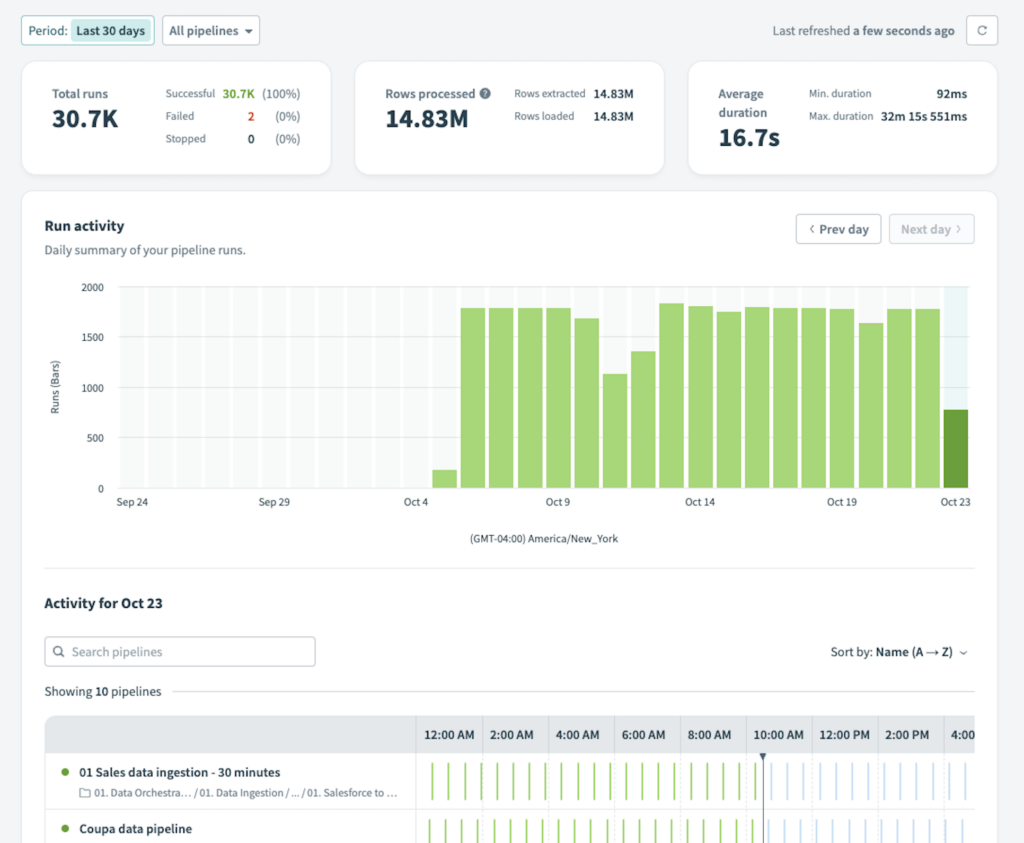
With Data Pipelines, you can quickly build data pipelines with multi-object ingestion, rapidly moving data from business applications and other sources into destinations like Snowflake, Databricks, BigQuery, and Microsoft SQL Server.
Sources available today: Salesforce, NetSuite, Amazon S3, Azure Blob Storage, Google Cloud Storage, Google Drive, Coupa, HubSpot, ServiceNow, Workday, Oracle EBS, Oracle DB, Oracle Fusion Cloud, SAP Table Reader, Jira, Stripe, Zuora, HiBob, Dynamics Business Central, Marketo, Shopify, Intercom, Cornerstone, Ellucian Banner, QuickBooks, Microsoft SQL Server On-Prem, and more.
Beyond connectivity, Data Pipelines includes enterprise-grade capabilities out of the box: change data capture, automatic schema drift handling, built-in data masking, parallel execution, object-level monitoring, and the PipelineOps trigger to kick off downstream workflows when data lands.
MCP Servers
9 New MCP Servers Now Available
Workato’s MCP Server library continues to expand. Nine new servers are now available, giving AI agents governed, enterprise-grade access to additional business systems.
New servers this month:
- ZoomInfo B2B Intelligence: Search, enrich, and research B2B companies and contacts, find prospects, discover intent signals, check buying behavior, and map org charts through natural conversation.
- Microsoft Teams Conversations: Search and retrieve Teams conversations across channels and chats, post messages and replies, and explore discussion history.
- Outlook Contacts: Find, create, and manage Outlook contacts, including organization into folders and category tagging.
- Highspot: Browse sales plays, access decks and battle cards, track pitch engagement, and get answers from your Highspot content library.
- Notion Pages: Manage Notion pages and their content, including creation, updates, hierarchy navigation, archiving, and comments.
- Notion Databases: Find records, create or update work items, manage relations, and archive completed entries in Notion databases.
- Discord: Read, search, post, reply, and moderate conversations across Discord channels and threads via a configured bot.
- Dropbox: Search files, browse folder contents, retrieve file metadata, access file content, organize folders, and share files through links.
- Freshdesk: Search tickets, retrieve details and conversation threads, monitor agent queues and SLA compliance, create and update tickets, and add replies or internal notes.

How to access: In your Workato workspace, go to AI Hub > MCP Servers > Create MCP Server, then choose Start with a template.
Each new MCP Server extends the reach of your AI agents into another system, all through a single governed interface. Rather than building custom integrations for each tool, your agents can access enterprise capabilities through standardized, secure connections.
Platform
Korea Data Center Now Available
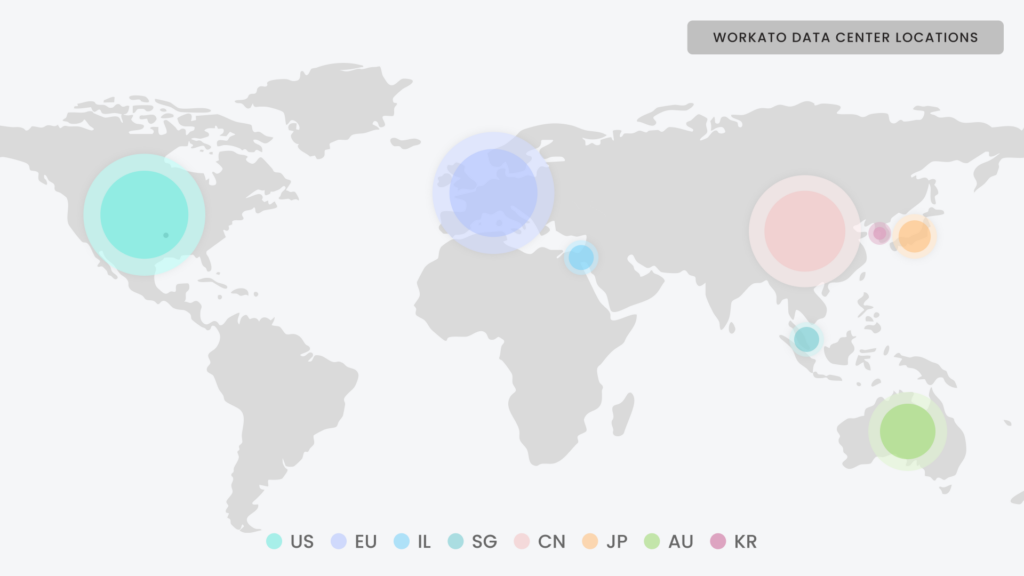
Workato’s Korea data center is now generally available. Enterprises operating in Korea can now run Workato with full in-country data residency, keeping all customer data processed and stored within Korea, a hard requirement for some enterprises in regulated industries.
Data Tables: Import CSV
You can now create a Data Table directly from a CSV file using a guided process: configure, preview, and confirm. Workato auto-detects the schema, lets you review it before committing, and drops it directly into a populated table.
What you can do:
- Import an existing CSV file to seed a new Data Table without entering rows manually.
- Review auto-detected column types before the table is created.
- Migrate content from Lookup Tables into Data Tables in two steps.
OPA 32.0
The latest On-prem Agent release includes:
- SAP: Made the IDoc schema cache invalidation interval configurable at the SAP connection level.
- Database: Bulk insert improvements.
- Hardening: Improved OPA connectivity for slow networks.
- Monitoring: Added a Prometheus endpoint for OPA service monitoring.
Connectivity
Connectivity Updates: New Connectors and Enhancements
For the full list of new connectors and enhancements this month, check out the community connector and platform connector blogs in the Product Hub.
Stay Tuned for June
We hope you found this month’s updates useful. To stay current as updates are released, visit our Changelog.