
While Model Context Protocol (MCP) has emerged as the standard way agents discover and use tools, MCP alone can’t make agents enterprise-ready. The opportunity isn’t just to connect AI to systems. It’s to govern how AI and agents interact with the enterprise.
That’s why we’re thrilled to announce the release of the first set of our MCP 100 pre-built servers. With this release, Workato delivers on the promise of Enterprise MCP: the world’s first platform purpose-built to deliver AI agents that have the context, trust, and accuracy that production deployments require. We close the enterprise control gap by giving any agent or LLM governed, auditable access to real business context and workflows.
Alongside this MCP release, we’re rolling out new capabilities in Agent Studio and connectivity enhancements.
MCP 100
Production-Grade MCP Servers
MCP has quickly become the standard for enabling AI agents to connect with external tools. With this release of pre-built, customizable servers, you can connect AI agents to enterprise systems in minutes.
Built for the Enterprise
These MCP servers are designed with enterprise requirements in mind. They support enterprise SSO and Workato Identity, with full RBAC, policies, and audit trails. Each server is ready to use yet fully customizable, IT-manageable, and centrally governed. They also chain seamlessly with Workato recipes and Genies for cross-system orchestration.
Getting Started
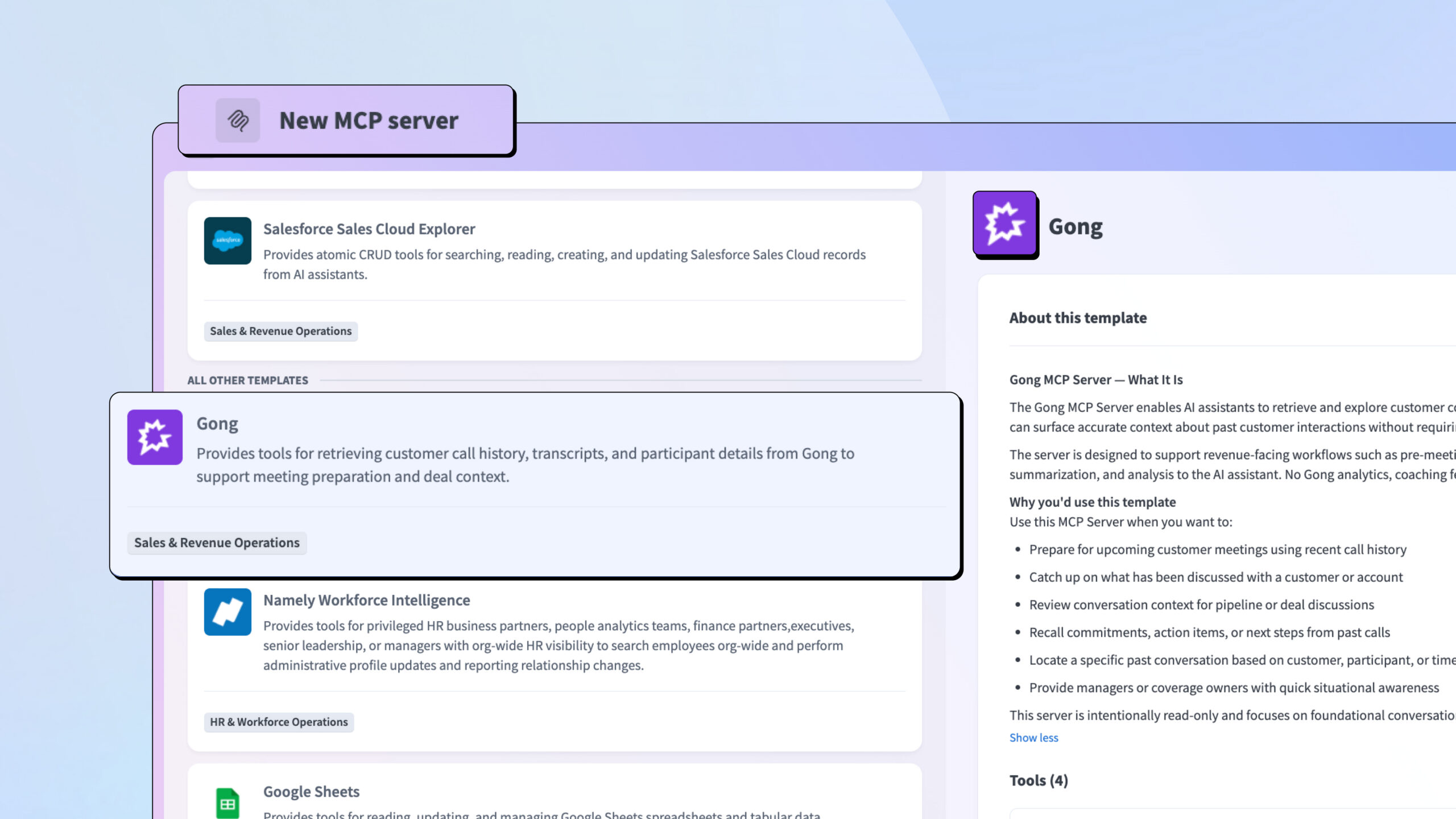
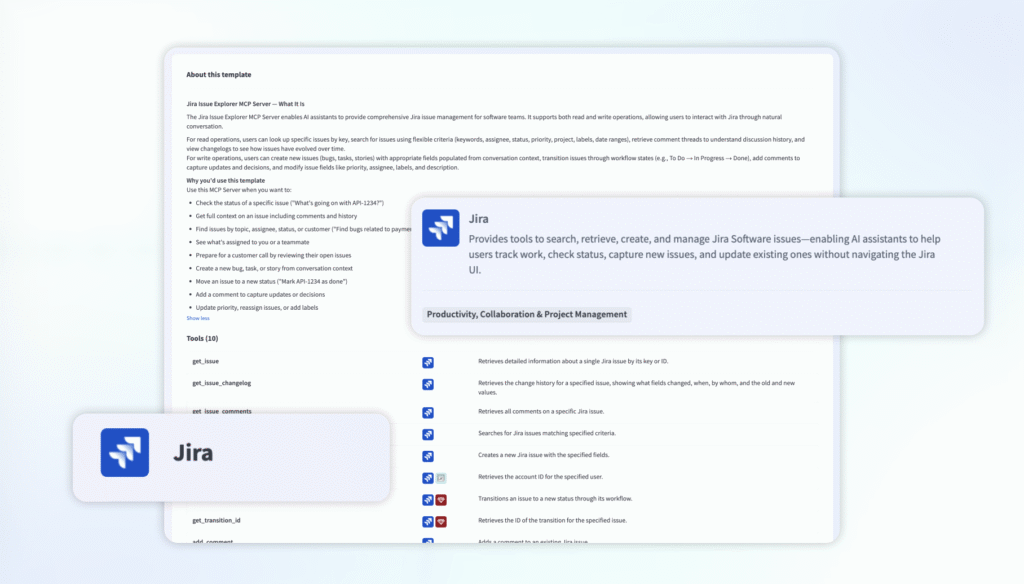
Within your Workato workspace, navigate to AI Hub, select MCP Servers, and create a new MCP server. You’ll find ready-to-use templates for all available servers, making deployment quick and consistent.
For a deeper look into why we built these MCP servers and what makes them enterprise-ready, read our blog: “Introducing Pre-Built MCP Servers: Connect AI Agents to Enterprise Systems in Minutes.”
Released MCP Servers
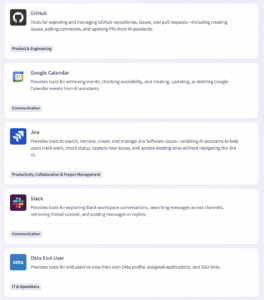
- Google Calendar: Schedule meetings, check availability, block focus time, manage events
- Slack: Search conversations, retrieve channel history, post messages, reply to threads
- Gong: Retrieve call history, access transcripts, find competitor mentions, prepare for meetings
- GitHub: Explore repositories, manage issues and PRs, search code and commit history
- Jira: Search, create, and update issues through natural language, no JQL required
- Google Sheets: Read spreadsheet data, append rows, update cells
- Google Directory End-User: Find colleagues, retrieve profiles, discover organizational context
- Okta End-User: View profile, get SSO links, check group memberships
Read the documentation here.
Example: A customer success manager asks Claude (Anthropic’s AI assistant), “Prepare me for my call with one of our customers next week.” Using Workato’s MCP servers, Claude reviews recent Gong call transcripts to surface key concerns, searches Jira for their open support tickets, and checks their Google Calendar for meeting details.
More servers are on the way. We’re just getting started.
Genies as MCP Clients
Genies can now function as MCP clients, using both external remote MCP servers and Workato-hosted MCP servers. This means your Genies can use the broader ecosystem of MCP-enabled tools without requiring custom skill development. Authentication is flexible, supporting both token-based authentication for seamless workflows and OAuth 2.0 with optional verified user access for scenarios requiring user-specific permissions.

Agent Studio
Build Smarter, More Capable Genies
Full Visibility into Your Knowledge Base
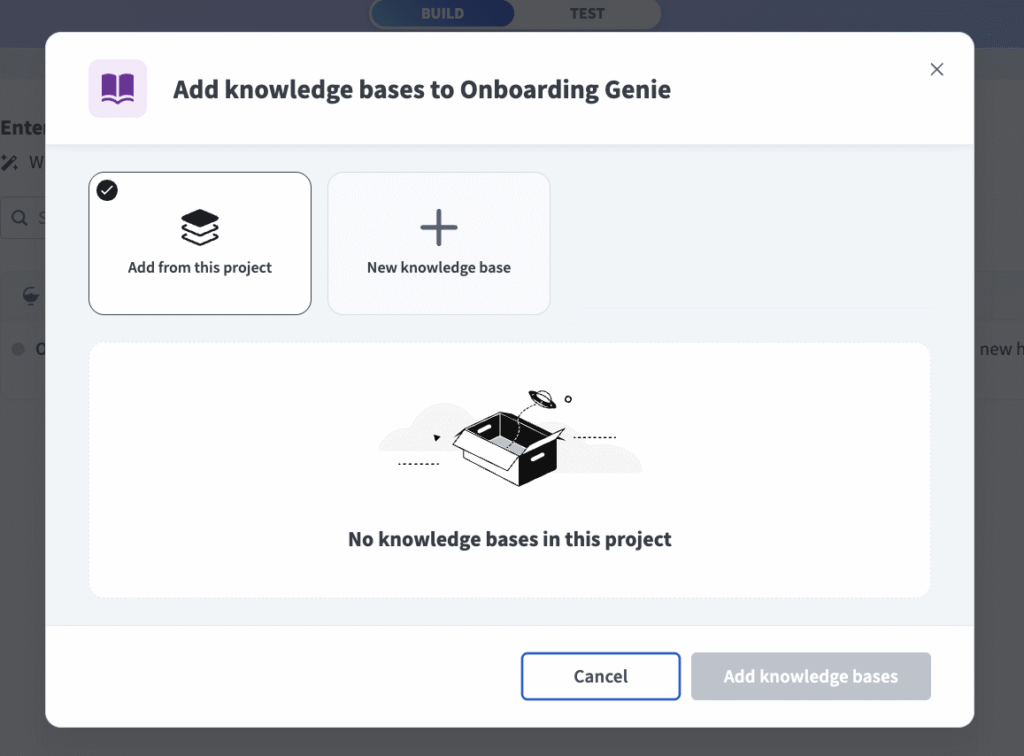
Agent Studio received several enhancements, starting with Knowledge Base Management. You now have enhanced observability into all Knowledge Base content through a new UI, with exact match searches to quickly locate specific files. You can view truncated document content directly within the interface to verify context, delete and curate individual content to keep your knowledge base current, and upload content directly without needing a recipe.
Use Your Own AI Models
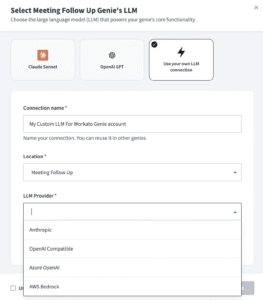
We’re also introducing BYOLLM, or Bring Your Own LLM, for Agent Studio. Enterprise customers can now use their existing, pre-approved AI models instead of Workato-managed infrastructure. If your organization has already completed security and legal approvals for providers like OpenAI, Anthropic, or AWS Bedrock, you can configure those credentials directly in your workspace.
Go Beyond Text with Files and Images
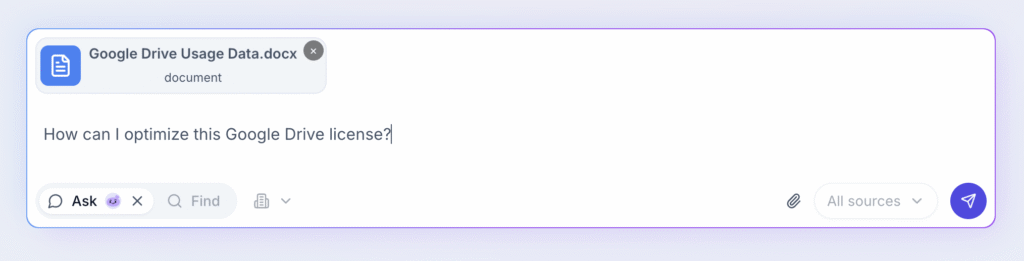
Genies are no longer limited to text-only interactions. With the new file and image input capabilities, users can share screenshots, upload documents, and provide files directly through Slack, Teams, or Workato GO. Genies understand file types and can parse images, extract text from documents, and pass files between skills. Consider the possibilities: an IT Genie that receives screenshots of access errors and automatically provisions the right permissions, or an Expense Genie that extracts receipt details and submits them to your expense system.
Connectivity
Oracle EBS Connector
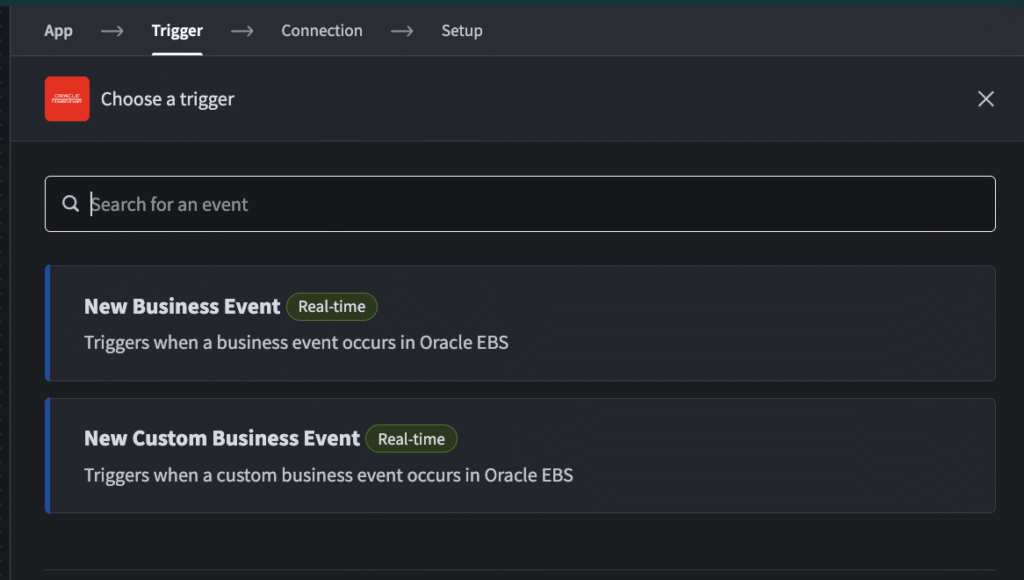
The Workato Oracle E-Business Suite (EBS) Connector enables seamless connectivity for customers running Oracle EBS as their core ERP while adopting cloud and SaaS applications. This connector helps bridge on-premise systems with cloud-first architectures, supporting real-time connections between Oracle EBS and applications like Coupa and NetSuite.
The Oracle EBS connector includes triggers for Oracle EBS business events, actions to execute PL/SQL operations, and HTTP authentication.
More connectors!
As always, check out the community connector and platform connector blogs on the Product Hub.
What’s Next
MCP 100 represents our commitment to agentic orchestration built on context, trust, and accuracy. As the MCP ecosystem continues to grow, we’re focused on expanding our server library and deepening the capabilities of Genies as intelligent orchestrators of your business processes.
Explore the new MCP servers in your workspace today.
Stay Tuned for February
We hope you found this month’s updates exciting and continue to discover new ways to Workato!
To read about these updates as they are released, check out our Changelog.