
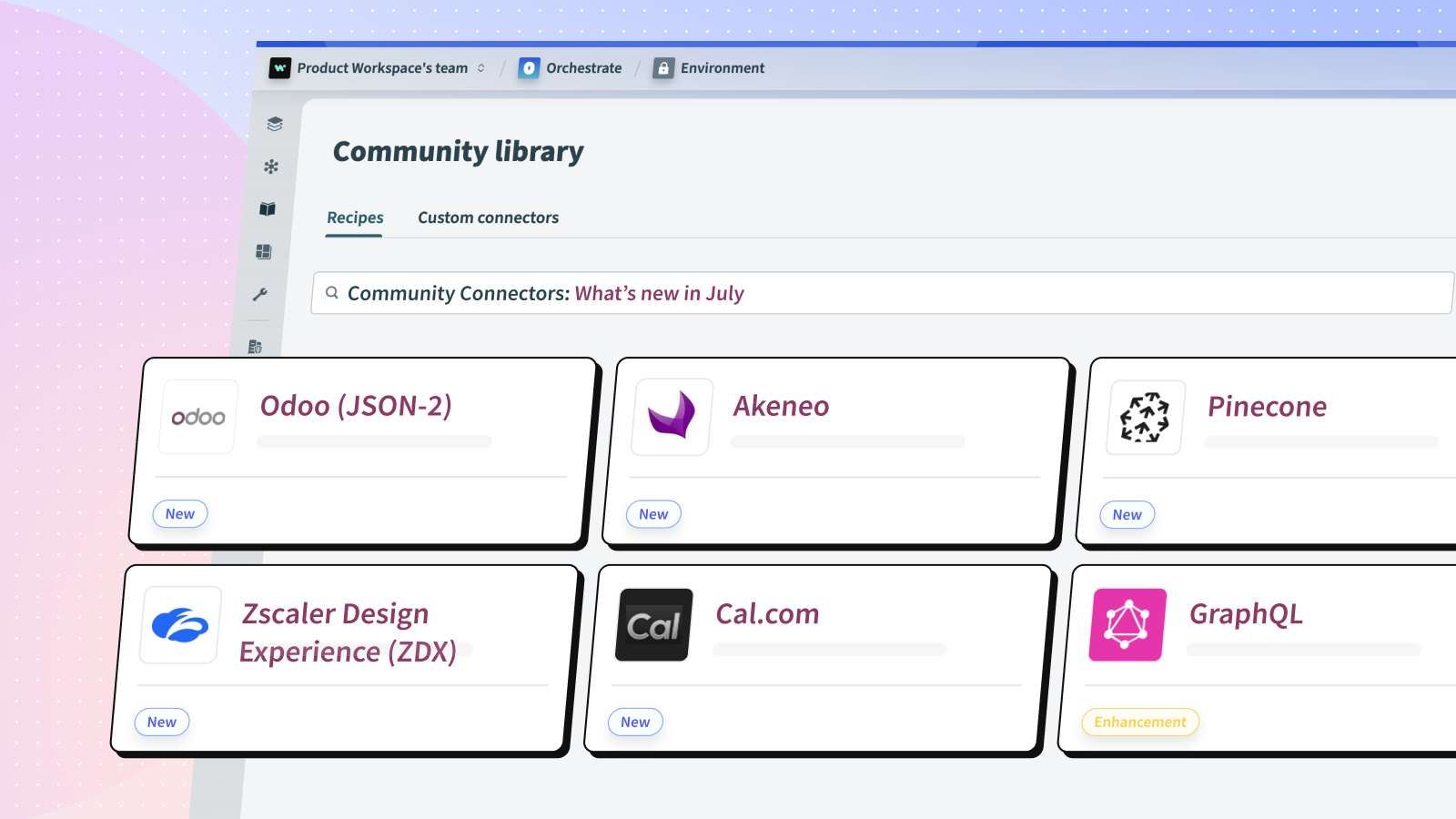
New Community Connectors in July 2026
Odoo (JSON-2)
New
Odoo provides a comprehensive suite of business applications and allows businesses to manage and automate key business processes across various departments such as sales, CRM, inventory, accounting, and more. Leveraging this connector, you can easily interact with Odoo’s modules, enabling efficient data management and automation to streamline your business operations.
This connector uses Odoo’s JSON-2 API and builds its input and output schemas dynamically. You select any Odoo object and the connector retrieves its fields dynamically.
Use this connector to:
-
Create, update, and retrieve records for any Odoo object, such as contacts, products, or sales orders
-
Search records by custom criteria and pick exactly which fields are returned
-
Run object functions (e.g. confirm a sales order, post an invoice) and guided wizards (e.g. register a payment, create a credit note)
-
Retrieve quotations filtered by their validity date
-
Trigger recipes when an object is created or updated in Odoo
Additional resources:
Install and start using Odoo (JSON-2) connector
Zscaler Digital Experience (ZDX)
New
Zscaler Digital Experience (ZDX) is a cloud-native monitoring service that measures the end-to-end digital experience of users by analyzing application, device, and network performance metrics.
Use this connector to:
-
Retrieve a single application, user, or device by ID.
-
Search applications, users, devices, software inventory, departments, and locations with filters.
-
Send any custom ZDX API request using the built-in Custom action.
Additional resources:
Install and start using Zscaler Digital Experience (ZDX) connector
Akeneo
New
Akeneo is a Product Information Management (PIM) system that helps businesses centralize, enrich, and distribute product information across all their sales channels. Akeneo PIM manages product data such as descriptions, attributes, categories, pricing, images, and channel- and locale-specific values, making it easier to maintain consistent product catalogs across online stores, marketplaces, and other touchpoints.
Use this connector to:
-
Search products by family, category, completeness, and custom attribute criteria across one or all channels
-
Retrieve a single product by identifier or UUID with all channel-specific values
-
Update product attribute values, including localizable, scopable, and price-collection attributes
-
Download product images and documents stored in Akeneo
-
Trigger recipes whenever a product is created or updated
Additional resources:
Install and start using Akeneo connector
Odoo (JSON-RPC)
New
Odoo provides a comprehensive suite of business applications to manage and automate key processes across sales, CRM, inventory, accounting, manufacturing, and more. This connector talks to Odoo over the classic JSON-RPC external API (/jsonrpc, execute_kw), with fully dynamic schemas generated from your instance. You select any Odoo object and the connector retrieves its fields dynamically.
Use this connector to:
-
Get, search, create, and update records for any Odoo model
-
Run model methods (e.g. confirm a sales order, post an invoice) and guided wizards (e.g. register a payment)
-
Retrieve open quotations by validity date range
-
Trigger recipes when records are created or updated in any Odoo object
Additional resources:
Install and start using Odoo (JSON-RPC) connector
Cal.com
New
Cal.com is an open-source scheduling platform for booking meetings and appointments. This connector lets Workato recipes check availability, create, reschedule, and cancel bookings, and react in real time when bookings change — powering use cases like AI voice agents that book appointments mid-call and sales workflows that prepare reps before a discovery call.
Use this connector to:
-
Get available time slots for an event type within a date range.
-
Create, reschedule, and cancel bookings.
-
Get a booking or search bookings by status, date range, event type, and attendee.
-
Search event types and generate public booking links.
-
Trigger recipes when a booking is created, cancelled, or rescheduled.
Additional resources:
Install and start using Cal.com connector
Pinecone
New
Pinecone is a fully managed vector database that makes it easy to build high-performance vector search applications. This connector lets you store, query, update, and manage vector embeddings and their metadata, so you can power semantic search, recommendations, and retrieval-augmented generation (RAG) workflows directly from Workato recipes.
Use this connector to:
-
Upsert vector embeddings (single or in batches) into an index namespace.
-
Query an index for the most similar vectors by embedding, with optional metadata filtering.
-
Fetch vectors by their IDs and read back their values and metadata.
-
Update a vector’s values or merge new metadata without re-upserting.
-
Delete vectors by ID, by metadata filter, or clear an entire namespace.
-
Describe an index, list all indexes, and read index statistics.
Additional resources:
Install and start using Pinecone connector
Connector Enhancements/Bug Fixes
GraphQL
Enhancement
GraphQL is a data query and manipulation language for APIs. Workato’s GraphQL connector enables you to query and mutate records from any application that supports GraphQL API.
It dynamically introspects the application schema to see what resources are available, and it automatically generates the input and output fields for you. This allows you to build GraphQL queries through the Workato user interface without having to learn the query language.
Enhancements made:
-
Added
auth_header_keyconnection field (defaultAuthorization) to all 4 OAuth auth types so users can configure a non-standard authorization header name (e.g.X-Shopify-Access-Token). -
Added
token_typeinput field (defaultBearer) to all 4 OAuth auth types so users can override the header value prefix or clear it to send the raw token only.
Additional resources:
Install and start using GraphQL connector
Positional File Tool
Enhancement
The Positional file tool is a versatile Workato connector designed to parse complex flat files into structured JSON outputs. It supports a broad range of parsing use cases, accommodating both fixed-width (Delimiter) and dynamic-width (Position-Length) formats with single or multiple schemas, and handling linear as well as hierarchically nested data structures for the flat files.
Enhancements made:
Parse flat file (streaming) — record position validations
-
Added an optional Record position validations setting to confirm that a specific record appears where it should in the file (for example, a header on the first line or a trailer on the last). If any check fails, the action stops with a clear error. Leave it empty to skip validation entirely.
-
Specify the location as a single line or a range using line/range. Positive numbers count from the top (
1= first line) and negative numbers count from the bottom (-1= last line,-2= second to last; you can also typelast). Examples:5,1,5,-10,-1(last 10 lines),100,(line 100 to the end). -
Use theStrict matchtoggle to require every line in the range to be that record (strict), or just require it to appear at least once in the range (lenient, the default). This only matters for multi-line ranges.
-
Blank lines are ignored when counting positions, so extra empty lines won’t throw off header/trailer checks.
-
Fully backward compatible — validation only runs when you configure it, with no impact on existing recipes.
Trim CSV file (streaming) — per-column default values
-
Added an optional Default value for each column. When a row is missing a value for that column (blank or absent), the default is filled in automatically.
-
Works for both JSON output and CSV file output. For CSV file output, default-filling and padding short rows to the full column count apply to comma-separated files.
-
Fixed an issue where default values could be double-quoted when added to a CSV row that was already quoted.
Additional resources:
Install and start using Positional File Tool connector
Aconex
Enhancement
Aconex is a cloud-based project management and collaboration platform for the construction and engineering industries. Part of Oracle Construction and Engineering, Aconex helps manage documents, workflows, and communications across project teams globally.
Enhancements made:
-
Added missing output fields to the List records action (Project object), including the Hidden attribute, Additional address, Contact, and Metadata fields.
Additional resources:
Install and start using Aconex connector
Microsoft Fabric SQL
Enhancement
Microsoft Fabric is a unified analytics platform that brings together data engineering, data integration, data warehousing, etc. into a single platform. This connector allows you to interact with Microsoft Fabric’s database, warehouse and other resources using direct SQL capabilities.
Enhancements made:
-
Dedicated connection pool per connection — each connection now uses its own isolated pool of database connections instead of sharing one, improving reliability and keeping separate credentials fully isolated from one another.
-
Smarter connection validation — the connection test now verifies that your saved credentials still match the active connection and that the underlying database connection is healthy, so credential changes are detected and surfaced clearly (prompting you to reconnect) instead of failing silently later.
-
More stable long-running connections — idle connections are automatically cleaned up, unhealthy connections are detected and refreshed, and resources are managed to keep the connector responsive over time.
-
Clearer error messages when a connection can’t be established or has expired, guiding you to reconnect.
Additional resources:
Install and start using Microsoft Fabric SQL connector
Veeva Vault
Enhancement
Veeva Vault is the cloud-based content and data management platform built for the life sciences industry. It powers clinical, regulatory, quality, commercial, and CRM operations for pharma, biotech, and medical device companies.
Enhancements made:
-
Enhanced the Upload document action: Type → Subtype → Classification are cascading configuration fields; each selection narrows the next and determines which metadata fields are shown.
-
Additional metadata fields now resolve directly from the selected type/subtype/classification hierarchy in Vault, with an automatic fallback to the standard flat field list when no hierarchy metadata is available.
-
Lifecycle is now a picklist with a custom-value toggle, and boolean metadata fields present as a checkbox with an added option to enter a custom value.
-
Upload document: Fixed an issue where uploaded files were corrupted (the file name was sent in place of the file contents). Files now upload correctly with the right name and content type.
Additional resources:
Install and start using Veeva Vault connector
Microsoft OneLake
Enhancement
Microsoft OneLake is a single, unified, logical data lake for the whole organization. It comes automatically with every Microsoft Fabric tenant. This connector allows you to interact with Microsoft OneLake’s files, enabling you to create and manage files, and load data into files from various sources.
Enhancements made:
-
Added OAuth2 Client Credentials grant alongside the existing Authorization Code flow
Additional resources:
Install and start using Microsoft OneLake connector
Microsoft Fabric
Enhancement
Microsoft Fabric is a unified analytics platform that brings together data engineering, data integration, data warehousing, etc. into a single platform. This connector allows you to interact with Microsoft Fabric’s lakehouses, livy sessions, and tables, enabling you to create and manage lakehouses, run table maintenance jobs, and load data into lakehouses from various sources.
Enhancements made:
-
Added OAuth2 Client Credentials grant alongside the existing Authorization Code flow
Additional resources:
Install and start using Microsoft Fabric connector
Jira Assets
Enhancement
Jira assets encompass a diverse range of resources, including issues, projects, and workflows, centralizing project management, issue tracking, and collaboration within organizations. These assets serve as foundational elements within Jira’s ecosystem, facilitating efficient task management, communication, and project tracking for teams across various industries.
Enhancements made:
-
Added support for connecting the Jira Assets connector to Jira Cloud using a service account (previously the connection check only worked for individual human users).
-
If your Workspace ID is set, the connection is now verified against the Assets API, which works for both regular users and service accounts.
-
If you haven’t added a Workspace ID yet, the connection is verified in a way that still lets you save it and use the Get Workspace ID action to look up your ID during setup.
-
On-premise (personal access token) connections are unchanged and continue to work exactly as before.
Additional resources:
Install and start using Jira Assets connector
Kickflow
Enhancement
Kickflow is a cloud workflow system that enables companies to improve productivity and business efficiency through the approval process.
Enhancements made:
-
Slip items inputs in the Create Record and Update Record actions now support multiple rows instead of being limited to a single set of values.
-
Existing recipes continue to work; a single slip item entry is still accepted, so no changes are required for current setups.
Additional resources:
Install and start using Kickflow connector
Ivanti
Enhancement
Ivanti Neurons for ITSM is a cloud optimised ITSM solution that uses a modular design which helps enterprises deploy quickly and scale easily based on their requirements. This connectors allows you to reduce the administrative burden and optimise costs with self-service and workflow automation.
Enhancements made:
-
Improved performance by caching Ivanti object metadata and key fields in memory, eliminating repeated metadata API calls when running actions.
Additional resources:
Install and start using Ivanti Neurons for ITSM connector
Apollo.io
Enhancement
Apollo.io Founded in 2015, Apollo is a leading data intelligence and sales engagement platform trusted by 40,000 paying customers, from rapidly growing startups to some of the largest global enterprises. Its community-based approach to crowdsourcing data gives users maximum coverage while ensuring data accuracy.
Enhancements made:
-
Added 2 new polling triggers for account and contact objects. Added email account object in the list action. Also fixed the base API URL (/v1 → /api/v1) and added automatic handling for rate limit (429) errors. Input/output schemas enriched.
Additional resources:
Install and start using Apollo.io connector
Google Pub/Sub
Bugfix
Google Pub/Sub works as a messaging middleware for traditional service integration or a simple communication medium for modern microservices.
Bug fixes made:
-
Moved acknowledge calls to after the while loop completes, fixing two bugs: ack_ids accumulator never resetting between iterations (causing duplicate ACKs), and messages being ACK’d before poll returns (causing permanent message loss on errors)
Additional resources:
Install and start using Google Pub/Sub connector
Monday
Bugfix
Monday is a cloud-based platform that allows users to create their own applications and work management software.
Bug fixes made:
-
Added the missing
is_enum_typemethod that caused list/multiselect columns to raise anUndefinedMethodError.
Additional resources:
Install and start using Monday connector
Filevine
Bugfix
Filevine is a legal practice management platform that helps law firms manage cases, documents, and client communications in a centralized workspace.
Bug fixes made:
-
Fixed Text fields rendering as
text_area(blocked datapills/formula) to usecontrol_type: text -
Fixed Dropdown, Boolean, and MultiSelect
toggle_field(custom value mode) which used the invalidcontrol_type: 'string'; now use a valid control type so formula mode works. -
Fixed boolean fields resolved from the schema endpoint rendering as a
numberinstead of acheckbox; date-time strings now resolve todate_time.
Additional resources:
Install and start using Filevine connector
Adaptive Insights
Bugfix
Adaptive Insights automates consolidations and integration of data from other systems and enables collaboration and real-time updates via its on-demand SaaS-based model.
Bug fixes made:
-
Added “Token Validation Failed” pattern to refresh_on/detect_on so the Workday JWT connection re-acquires the instance token on that error.
Additional resources:
Install and start using Adaptive Insights connector