
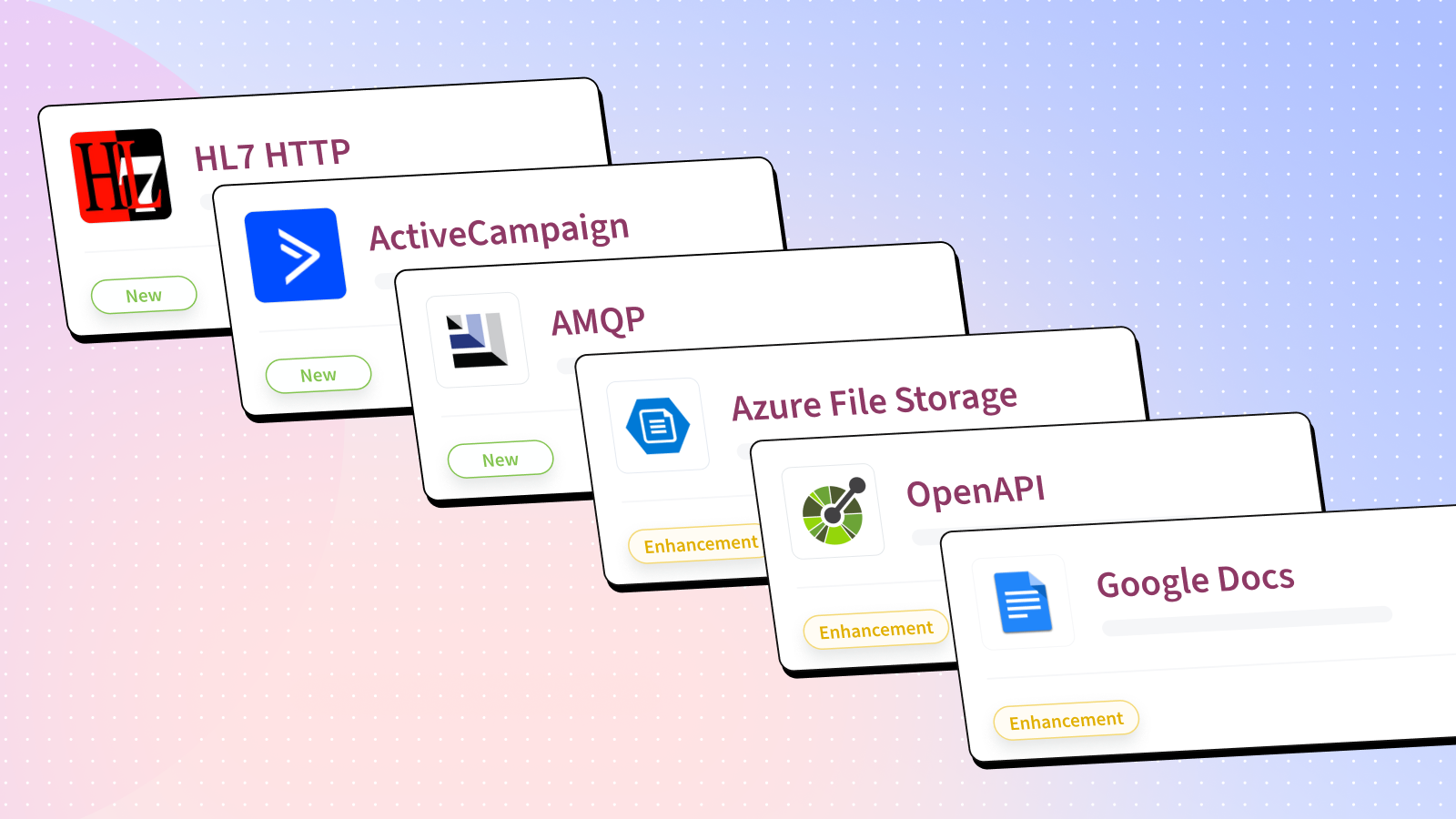
New Community Connectors in April 2026
HL7 HTTP
New
HL7, or Health Level Seven, is a set of international standards for the exchange, integration, sharing, and retrieval of electronic health information. HL7 messages are a key component of this standard, and they serve as the format for exchanging information between healthcare applications.
Use this connector to:
-
Pass custom HTTP headers (API keys, authorization tokens, correlation IDs)
-
Authenticate with HTTP-based HL7 servers that require headers per request
-
Communicate through proxies and API gateways that operate at the HTTP layer
-
Use TLS/HTTPS with standard certificate-based authentication
Additional resources:
Install and start using HL7 HTTP connector
ActiveCampaign
New
ActiveCampaign is a customer experience automation platform that combines email marketing, marketing automation, and CRM-style sales features. This connector lets you automate workflows when contacts are created or updated, and run custom API requests against ActiveCampaign.
Use this connector to:
-
Trigger workflows when contacts are created or updated in a marketing automation platform
-
Sync updated contact details to a CRM or reporting system after records change
-
Retrieve contact data via custom API requests to enrich downstream workflows
Additional resources:
Install and start using ActiveCampaign connector
AMQP
New
Advanced Message Queuing Protocol (AMQP) is a messaging protocol for sending messages between applications. It is an open standard for message-oriented middleware based on the publish/subscribe architecture. This connector allows you to publish and receive messages from AMQP queues and exchanges.
Examples of what you can do with this connector:
-
When there is a new order in an e-commerce application, publish a message to a queue.
-
When a new message is received, update a CRM system and send a confirmation email to the customer.
AMQP connector supporting both AMQP 0.9.1 (RabbitMQ/Bunny) and AMQP 1.0 (Solace/Qpid Proton) protocols.
-
Features
-
Publish message action – Send messages to queues, exchanges, or topics
-
New message trigger – Poll messages from queues (single message per event)
-
New messages batch trigger – Poll messages in batches
-
-
Connection Options
-
Protocol version selection (0.9.1 or 1.0)
-
SSL/TLS support with client certificates
-
Advanced settings (virtual host, heartbeat, frame size)
-
Additional resources:
Install and start using AMQP connector
Connector Enhancements/Bug Fixes
Azure File Storage
Enhancement
Azure File Storage is a fully managed, cloud-based file shares that can be accessed using standard protocols like SMB and NFS. This connector allows you to create, read and update files in Azure File Storage.
Enhancements made:
-
Added secure tunnel
Additional resources:
Install and start using Azure File Storage connector
OpenAPI
Enhancement Bugfix
The OpenAPI connector is a universal connector that can be used to work with any application that describes its API endpoints using OpenAPI. To learn more, checkout the official Documentation and this Video.
Enhancements made:
-
Updated trigger titles, labels, and descriptions
Bug fixes made:
-
Fixed query parameter handling when values are set to false
Additional resources:
Install and start using OpenAPI connector
Google Docs
Enhancement
Google Docs is a web-based word processing application developed by Google. It allows users to create, edit, and share documents online, and it supports real-time collaboration, enabling multiple users to work on the same document simultaneously.
Enhancements made:
-
Added an optional parent folder ID to Create document from template so new documents can be created in a specific Google Drive folder instead of only beside the template.
-
Create document from template now calls the Drive
files.copyAPI withsupportsAllDrives=true, so copies work when the destination is in a Shared drive (and remain valid for My Drive). -
If parent folder ID is left blank, behavior is unchanged: the copied file is still created in the same location as the template (per Drive’s default copy behavior).
Additional resources:
Install and start using Google Docs connector
UiPath
Enhancement
The UiPath Platform combines core Robotic Process Automation (RPA) capabilities with tools for process discovery and analytics, making it easy to automate thousands of workflows across various applications. With UiPath, companies can easily build, manage, and run robots that emulate human interactions with digital systems. As a result, employees spend less time on mundane, repetitive tasks and instead focus on strategic, high-value work.
Enhancements made:
-
Added clearer labels and setup instructions for OAuth 2.0 connections, including step-by-step guidance for locating your App ID, App secret, and the correct scopes for each auth flow.
Additional resources:
Install and start using UiPath connector
Ceridian Dayforce
Enhancement
Dayforce is a comprehensive cloud platform that combines HR, payroll, benefits, workforce management, and talent management in a single application. This scalable HCM software is built with a single, flexible rules engine combined with real-time updates and calculations that help address complex regulatory requirements.
Enhancements made:
-
Added token-based authentication.
Additional resources:
Install and start using Ceridian Dayforce connector
Gravity Forms
Enhancement
Dayforce is a comprehensive cloud platform that combines HR, payroll, benefits, workforce management, and talent management in a single application. This scalable HCM software is built with a single, flexible rules engine combined with real-time updates and calculations that help address complex regulatory requirements.
Enhancements made:
-
Added 9 new actions: Delete Entry, Submit Form, Get Entry Notes, Create Entry Note, Get Feeds, Get Feed by ID, Update Feed, Send Entry Notifications, and Get Form Results
-
Authentication now supports passing the credentials as either an HTTP header or a query parameter
Additional resources:
Install and start using Gravity Forms connector
Kintone
Bugfix
Kintone is a customizable workplace platform that organizes your team’s data, workflows, and conversations in one centralized place.
Enhancements made:
-
Updated checkbox field logic to properly handle clearing values
Additional resources:
Install and start using Kintone connector
Splunk
Bugfix
Splunk is a platform for searching, monitoring, and analyzing machine-generated data. It makes machine data accessible across an organization by identifying data patterns, providing metrics, diagnosing problems, and providing intelligence for business operations. Splunk is a horizontal technology used for application management, security and compliance, as well as business and web analytics.
Bug fixes made:
-
Resolved an issue where the Run Custom SPL action was calling a deprecated API endpoint.
Additional resources:
Install and start using Splunk connector
Microsoft OneLake
Bugfix
Microsoft OneLake is a single, unified, logical data lake for the whole organization. It comes automatically with every Microsoft Fabric tenant. This connector allows you to interact with Microsoft OneLake’s files, enabling you to create and manage files, and load data into files from various sources.
Bug fixes made:
-
Fixed logic to handle non-ASCII characters leading to chunk size calculation error
Additional resources:
Install and start using Microsoft OneLake connector
Google Forms
Bugfix
Google Forms – Create custom forms for surveys/questionnaires and analyze data right in your mobile or web browser. You get instant results as they come in. And, you can summarize survey results at a glance with charts and graphs.
Bug fixes made:
-
Fixed closure logic in the New response trigger.
Additional resources:
Install and start using Google Forms connector
Gmail (Custom)
Bugfix
Gmail is a free email service developed by Google. Users can access Gmail on the web and using third-party programs that synchronize email content through POP or IMAP protocols.
Enhancements made:
-
Added retry logic to execute_request and generate_access_token methods for 401/403 auth errors with fresh JWT token regeneration.
Additional resources:
Install and start using Gmail (Custom) connector